Saturday, January 31, 2026
Reverse-Engineered IDE-Grade Drag & Drop: Built a Framework-Agnostic Layout Engine
 Akash Aman
Updated: February 2026
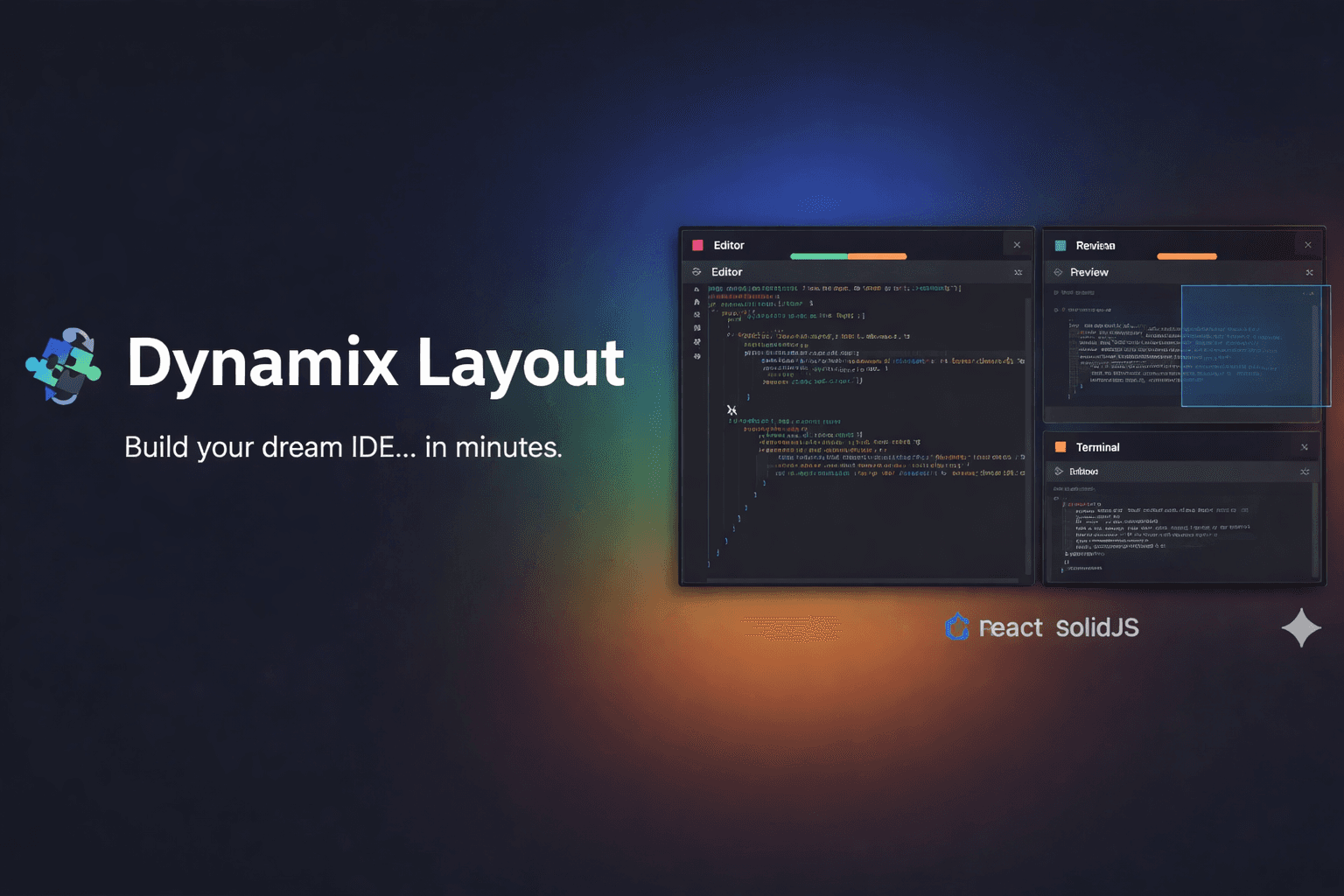





The Case Study 🚀
-
I come from a non-CSE background 🎓, but I’ve always been deeply drawn to problem-solving 🧩. Early on, I spent a lot of time solving LeetCode problems, and that’s where I first encountered sophisticated drag-and-drop tab implementations in the LeetCode site. Watching complex UIs behave so smoothly inside the browser genuinely fascinated me—and I became a huge fan of this interaction pattern. ✨
-
Curious to understand how it worked, I started reverse-engineering the behavior and researching existing solutions. To my surprise, I couldn’t find any npm package that offered this level of functionality. It became clear that this system had been built entirely in-house. That realization sparked an idea: Why not build this myself and open-source it? 💡
The Investigation: Reverse Engineering the "Magic" 🔍
The challenge was that I didn’t fully understand how everything worked under the hood. So I dug deeper—inspecting compiled JavaScript, monitoring the Network tab, and analyzing Local Storage 🛠️. That’s when I noticed something interesting: the layout persisted across page refreshes. The state had to be stored somewhere, and sure enough, it was being saved in Local Storage as a serialized JSON structure 📋.
Once I examined this JSON, I realized it was the key to the entire solution. The data represented a complex tree structure that powered all the drag-and-drop and tab-switching behavior 🌳. I carefully analyzed this structure and began implementing my own tree-based algorithm to support every possible tab interaction.
Along the way, I ran into numerous challenges: 🧗
- Calculating dynamic widths correctly 📏.
- Eliminating unnecessary computations ⚡.
- Fixing performance bottlenecks to maintain smooth 60-FPS interactions 🏎️.
- Handling edge cases and avoiding tight coupling to reduce refactoring costs 🔗.
- Keeping time complexity under control ⏳.
Decoding the Solution: Logic Over Framework 🛠️
I decided to stop fighting the frameworks and start fresh. I built a framework-agnostic "brain" 🧠 in pure, zero-dependency TypeScript. This core handles the recursive tree logic, while the React and SolidJS wrappers act as thin, performant "bodies." 🤖
The result? A library where you can go from npm install to a fully functional, resizable IDE layout in under five minutes. ⏱️
The Long Game: The "Part-Time" Marathon 🏃
Building Dynamix Layout wasn't an overnight success. Because I was working full-time as a Senior Software Engineer, this became my "night and weekend" obsession 🌙.
The project spanned several months because the logic was dense. I spent my late nights solving "mini-algorithms" within the engine: 🕵️♂️
- The Math of Resizing: Calculating relative widths across nested containers without cumulative rounding errors 🧮.
- The 60fps Rule: Optimizing the core so that dragging a panel didn't trigger a "re-render apocalypse" in React 🔥.
- Edge Case Hunting: Managing state when a panel is minimized or handling the removal of the last tab in a split 🔍.
Key Features: Engineering a Better Developer Experience 🌟
To make this vision a reality, I focused on six pillars that transform a simple layout into a professional-grade interface:
- 🧩 Draggable Tabs with Contextual Intelligence: Moving tabs shouldn't just feel like moving items in a list. You can drag and drop tabs to rearrange them within a group or move them across different panels entirely with intuitive visual feedback 🖱️.
- 📏 High-Performance Resizable Panels: Smooth interactions are non-negotiable. Users can click and drag the "gutters" between panels to resize them dynamically at a consistent 60fps 💨.
- ✂️ Intuitive Dynamic Splits: The hallmark of a great IDE. By dropping a tab onto the edges of an existing panel, the engine automatically calculates the new tree node and creates a horizontal or vertical split with a real-time preview 🏗️.
- 💾 Robust Save & Restore (Serialization): I built serialization directly into the core. You can save the entire complex layout state into a clean JSON object, making it trivial to restore user workspaces from a database ☁️.
- 🧠 Framework-Agnostic "Brain": The heavy lifting is handled by a core logic engine written in pure, zero-dependency TypeScript. This keeps the engine lightweight, fast, and maintainable ⚛️.
- ⚛️ Seamless React & Solid Integration: While the "brain" is agnostic, I’ve built official wrappers for React and SolidJS that provide feature-rich components like
<DynamixLayout />and intuitive hooks likeuseLayout🛠️.
Why I Made it Open Source 🤝
I built this because I remember the frustration of finding "proprietary walls" when I just wanted to build something cool. Dynamix Layout is my way of giving that power back to the community 🌍.
Whether you are building a dashboard, a data tool, or the next great web IDE, you now have access to a high-performance engine that handles the math so you can focus on the features. The project is a testament to the idea that coming from a "non-traditional" background isn't a barrier—it’s a superpower 💪 that lets you see the algorithms behind the pixels. 🎨
Ready to Build? 🛠️
- Live Demo: layout.xcode.cx 🌐
- GitHub: akash-aman/dynamix-layout ⭐